
Construction Scheduling: Complete Guide with metroKUBIKO
Discover how to optimize construction scheduling with metroKUBIKO and avoid costly delays in your projects.

metroKUBIKO Team
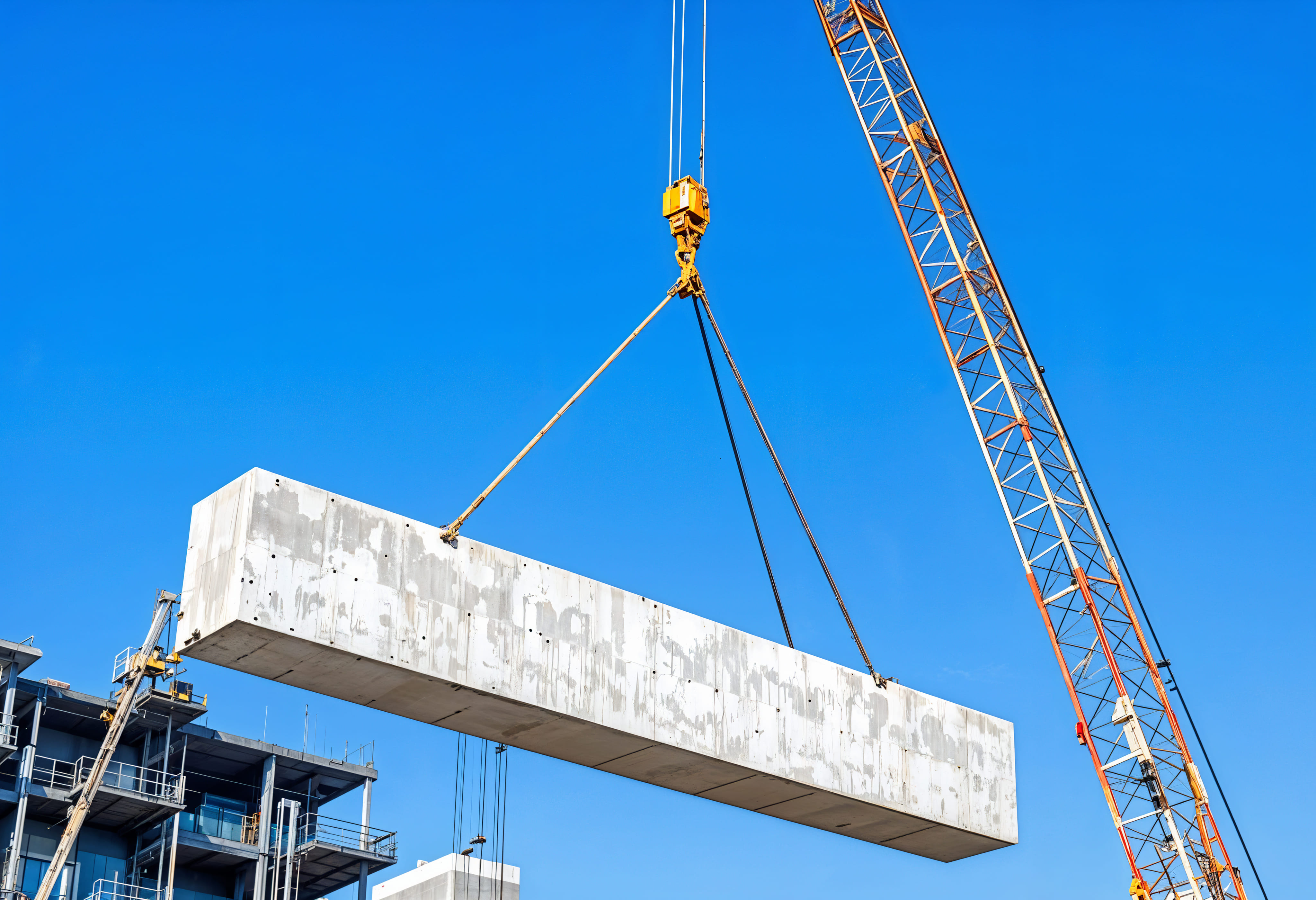
Construction Scheduling: Why It’s Key to Project Success
Construction scheduling is essential to avoid costly delays and ensure the success of construction projects. With specialized software like metroKUBIKO, you can plan and control every aspect of your project efficiently.
Why Do Construction Projects Get Delayed?
Construction projects face multiple challenges:
- Inadequate planning – Main cause of delays
- Unpredictable weather conditions
- Design changes during execution
- Contract and approval issues
- Lack of coordination between teams
A solid schedule can mitigate up to 50% of these risk factors.
Key Elements of Construction Scheduling
graph TD
    A[Construction Scheduling] --> B[Client Deadlines]
    A --> C[Weather Factors]
    A --> D[Permits and Inspections]
    A --> E[Required Resources]
    A --> F[Parallel Projects]

    B --> G[Optimized Schedule]
    C --> G
    D --> G
    E --> G
    F --> G
Factors to Consider:
Client needs – Specific deadlines and expectations
Seasonal patterns – Weather and environmental conditions
Permits and inspections – Mandatory regulatory processes
Resource management – Workforce, materials, and equipment
Simultaneous projects – Balance between multiple jobs
Benefits of Efficient Scheduling
1. Accurate Estimating
A detailed schedule allows you to:
- Prepare more competitive and realistic bids
- Create accurate cost estimates
- Improve your position in tender processes
2. Optimized Resource Management
- Specialized personnel – Efficient scheduling of technicians
- Materials – Bulk purchasing at better prices
- Equipment – Optimal use of machinery
3. Daily Task Control
gantt
    title Project Schedule
    dateFormat  YYYY-MM-DD
    section Foundation
    Excavation    :a1, 2024-02-01, 5d
    Concrete      :after a1, 3d
    section Structure
    Columns       :2024-02-10, 7d
    Beams         :2024-02-18, 5d
The software generates automatic checklists that ensure continuity of work.
metroKUBIKO: Your All-in-One Solution
Key Features:
🔧 100% online software – Access from anywhere
📊 Real-time control – Progress tracking
💰 Cost management – Budgets and bids
👥 Team coordination – Efficient communication
📈 Automated reports – Productivity analysis
Optimized Workflow
flowchart LR
    A[Planning] --> B[Scheduling]
    B --> C[Execution]
    C --> D[Monitoring]
    D --> E[Control]
    E --> F[Adjustments]
    F --> C

    style A fill:#e1f5fe
    style B fill:#f3e5f5
    style C fill:#e8f5e8
    style D fill:#fff3e0
    style E fill:#fce4ec
    style F fill:#f1f8e9
3-Step Implementation
Step 1: Initial Setup
- Define project scope
- Establish available resources
- Configure the base calendar
Step 2: Detailed Scheduling
- Assign tasks and responsibilities
- Set dependencies
- Define critical milestones
Step 3: Continuous Monitoring
- Update daily progress
- Adjust the schedule as needed
- Generate progress reports
Expected Results
With efficient scheduling using metroKUBIKO you obtain:
- Delay reduction of up to 40%
- Cost savings of 15–25%
- Higher client satisfaction with on-time delivery
- Better profitability thanks to optimized projects
Contact and More Information
Ready to optimize your construction projects?
📱 WhatsApp: +57 316 371 9421
📧 Email: soporte@metrokubiko.com
Discover our available plans and request a personalized demo of metroKUBIKO’s construction scheduling software.
Efficient scheduling is not just about planning tasks; it’s about ensuring the success of every construction project.
Ready to digitize your construction company?
Join the construction companies that already manage their projects with metroKUBIKO.
Start now - Try it freeTags
Artículos Relacionados
Cómo optimizar la programación de obras para mayor eficiencia
Conoce cómo mejorar la eficiencia en proyectos de construcción mediante una programación adecuada y el uso de herramientas especializadas.

Programación para obras de construcción: ¿Por qué es importante este elemento?
Conoce por qué la programación de obras es clave para prevenir retrasos, administrar recursos y mejorar licitaciones en proyectos de construcción.
Software para constructoras: Todo para el control de obras
¿Por qué el control de obras es clave para la ejecución exitosa de tus proyectos de construcción? Descubre cómo lograrlo con software especializado.