
How to create APUs in metroKUBIKO and optimize your construction budget
Learn step by step how to create and edit unit price analyses (APUs) in metroKUBIKO to improve profitability and control of your construction project.

metroKUBIKO Team
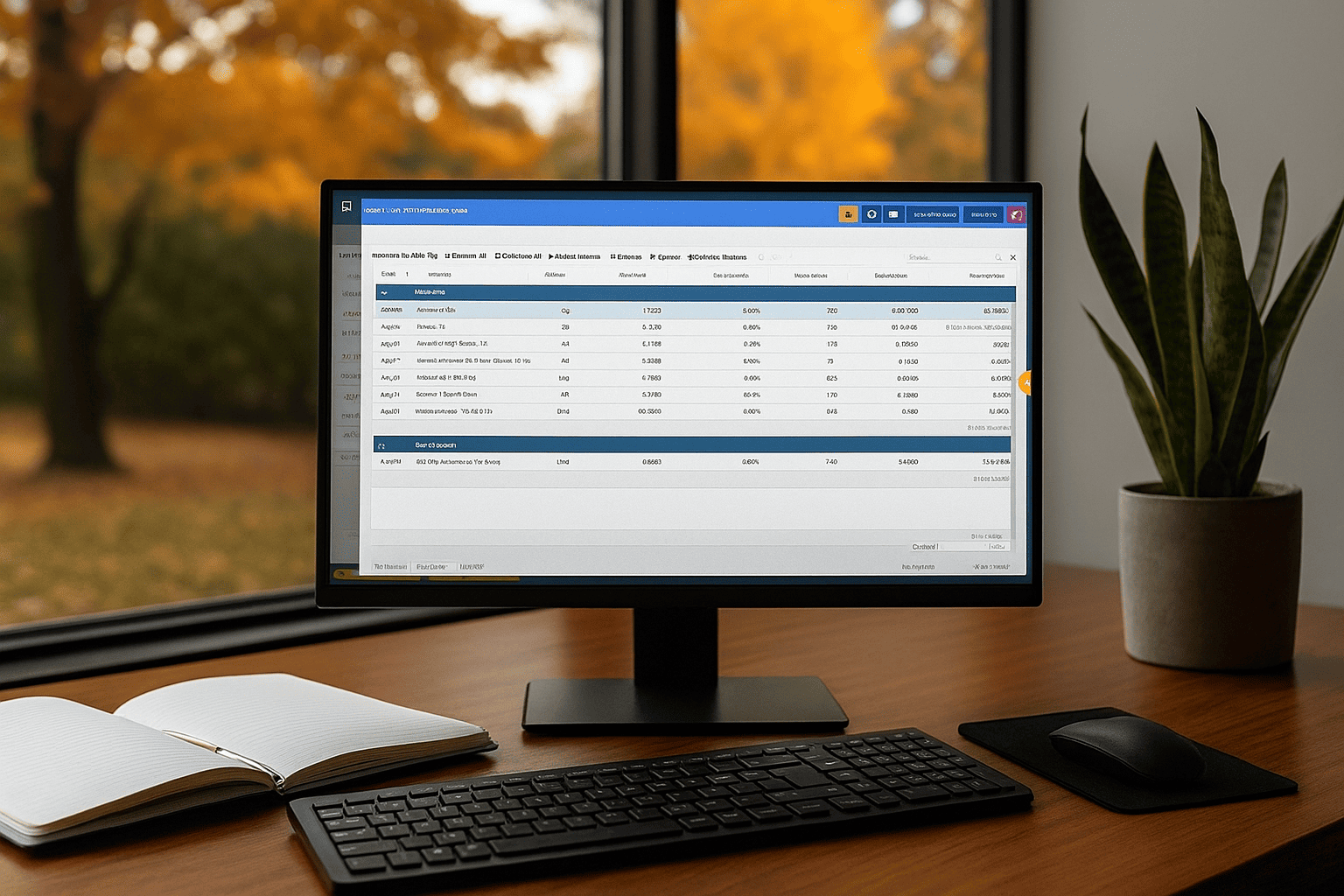
How to create APUs in metroKUBIKO and optimize your construction budget
Unit Price Analyses (APUs) are the heart of good cost planning in any construction project. In metroKUBIKO, you can create, modify, and control them in a centralized and efficient way.
This article teaches you step by step how to use the APU module to build a solid budget that adapts to the reality of your construction project.
What is an APU and why is it so important?
An APU details all the inputs necessary to execute a construction activity, grouping them by type and assigning them a price. It’s like a recipe: if you’re making concrete, the APU will tell you how many bags of cement, how much sand, how many hours of labor, etc., you need per cubic meter.
In metroKUBIKO you can create these APUs and use them in any project: both in simple budgets and in projects with phases.
Where are APUs used in metroKUBIKO?
APUs are available for all projects. You can:
- Create detailed construction budgets
- Plan activities with Gantt scheduling
- Control costs and timelines
- Export cost reports in Excel or PDF
- Use them in any linked module (orders, requisitions, cost control)
Parts of an APU in metroKUBIKO
Each APU is organized by input groups:
- O: Labor
- M: Materials
- E: Equipment
- T: Transportation
- S: Subcontracts
- IB: Basic Items
Each input has these key fields:
- Code and name
- Unit (m², kg, hour…)
- Quantity
- Waste
- Performance
- Unit price
- Partial cost
Steps to create an APU in metroKUBIKO
1. Create a budget or enter a project phase
From the dashboard, access the Budget module and select an activity.
2. Open the activity’s APU
Click on the APU editing icon. Here you can:
- Add inputs from the database
- Change already assigned inputs
- Edit quantities, prices, or performance
3. Use the search to add inputs
You can filter by input type or search by name/code.
4. Adjust waste, performance, and price
Calculations are automatically updated to show you the real unit cost of the activity.
5. Scale quantities
Are you going to build 10 meters and the APU is for 1? Use the “Scale” function to multiply all quantities by 10.
6. Save and review total cost
Every time you edit an APU, metroKUBIKO automatically updates the general budget.
How do you change an input?
- Click on the input you want to change
- Select “Change input”
- Search for the new input from the database
- Confirm and the calculation will be updated
Diagram: APU Creation Flow
graph TD
    A[Select budget activity] --> B[Enter APU]
    B --> C[Add inputs from database]
    C --> D[Edit quantities and prices]
    D --> E[Review partial costs]
    E --> F[Save APU]
    F --> G[Update general budget]
Tips for good APU usage
- 🔄 Update prices regularly from the supplier database
- 🧠 Use real performance values, don’t stick with generic values
- 📊 Use Excel reports to review costs with your team
- ✅ Validate waste to avoid overestimating
Common problems?
- ❌ Totals don’t match? Review prices, performance, or waste.
- 📶 Won’t save? Check your connection and user permissions.
- 🧹 Slow screen? Use filters and close other tabs.
What if you already have your APUs in Excel?
No problem! You can upload your Excel file to the budget module. Laura, our intelligent assistant, can help you map the fields and automate the creation of your activities and APUs.
Beta feature - Requires compatible format. Contact support if this is your first attempt.
Where to see all APUs?
The APU Databases module allows you to have a central library with all your created analyses. These can be used in future projects without having to create them again.
Conclusion
Creating APUs in metroKUBIKO is more than filling a table: it’s building a database of technical and financial knowledge that will allow you to make better decisions on site.
And if you need help, Laura is with you to guide you step by step.
Ready to improve your budgets?
👉 Start today at https://metrokubiko.com or consult with our support team for personalized advice.
Ready to digitize your construction company?
Join the construction companies that already manage their projects with metroKUBIKO.
Start now - Try it freeTags
Artículos Relacionados

Análisis de Precios Unitarios: ¿Cómo mejorar la rentabilidad de un proyecto?
Un buen análisis de precios unitarios mejora la rentabilidad, evita sobrecostos y optimiza el control financiero de una obra de construcción.

Importancia de los análisis de precios unitarios para las empresas
Descubre por qué los APUs son clave para mejorar la planificación, ejecución y toma de decisiones en empresas constructoras modernas.

Cómo crear un presupuesto desde bases de datos en metroKUBIKO
Aprende paso a paso cómo crear un presupuesto a partir de bases de datos en <strong>metroKUBIKO</strong>, optimizando tu planificación de obra.